

Routing worklist items automatically
Set up a worklist so that every new task goes to the right team and the right person without a manager assigning it, and let users start their day with Next Item. This example routes loan reviews by the state of the loan's property.
Step by step
The narration and the screen at each step. Select a time to play the video from there.
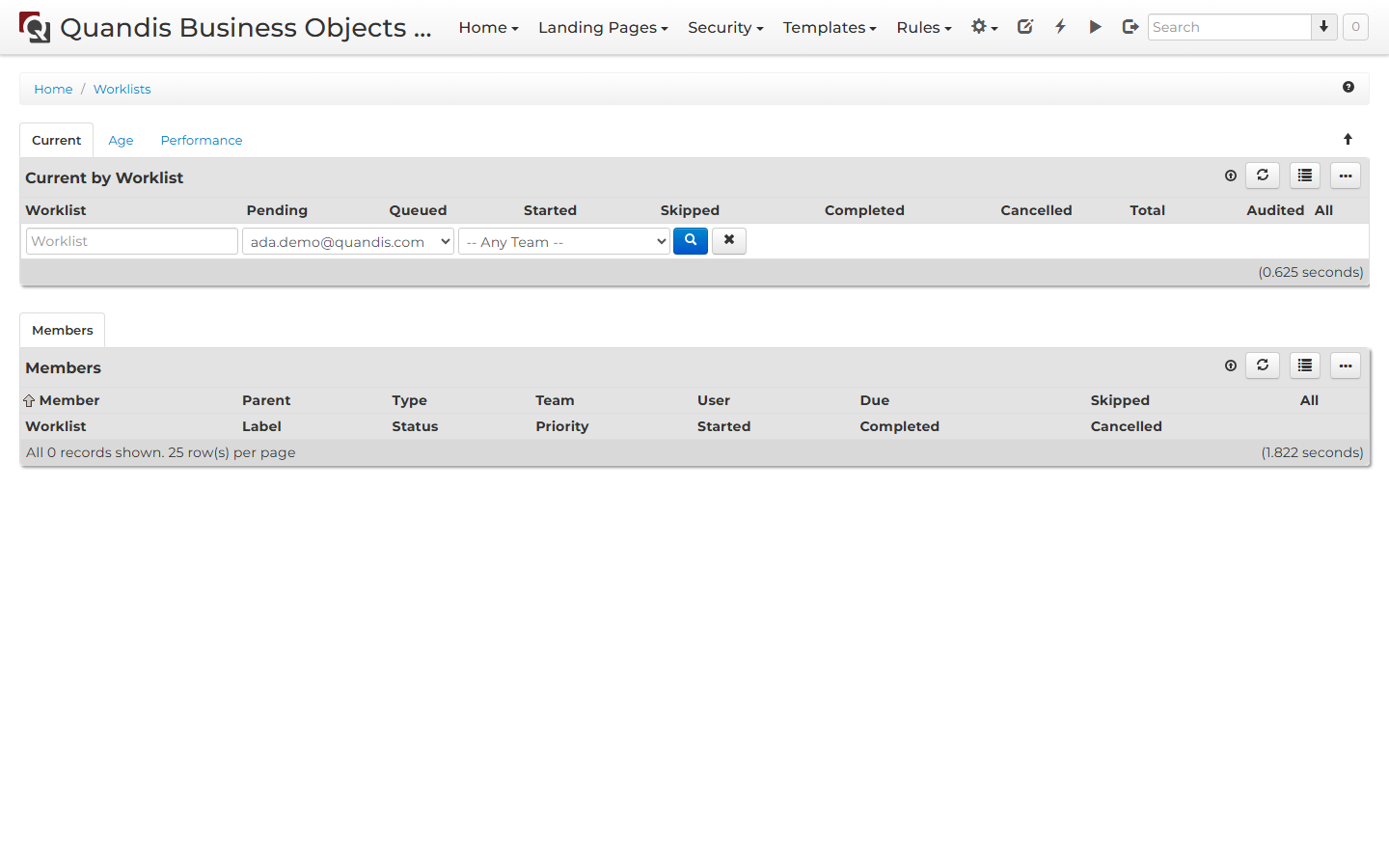
Most people in QBO start their day with a worklist. In this tutorial, we'll set one up so new work goes straight to the right person, with no manager assigning it by hand.
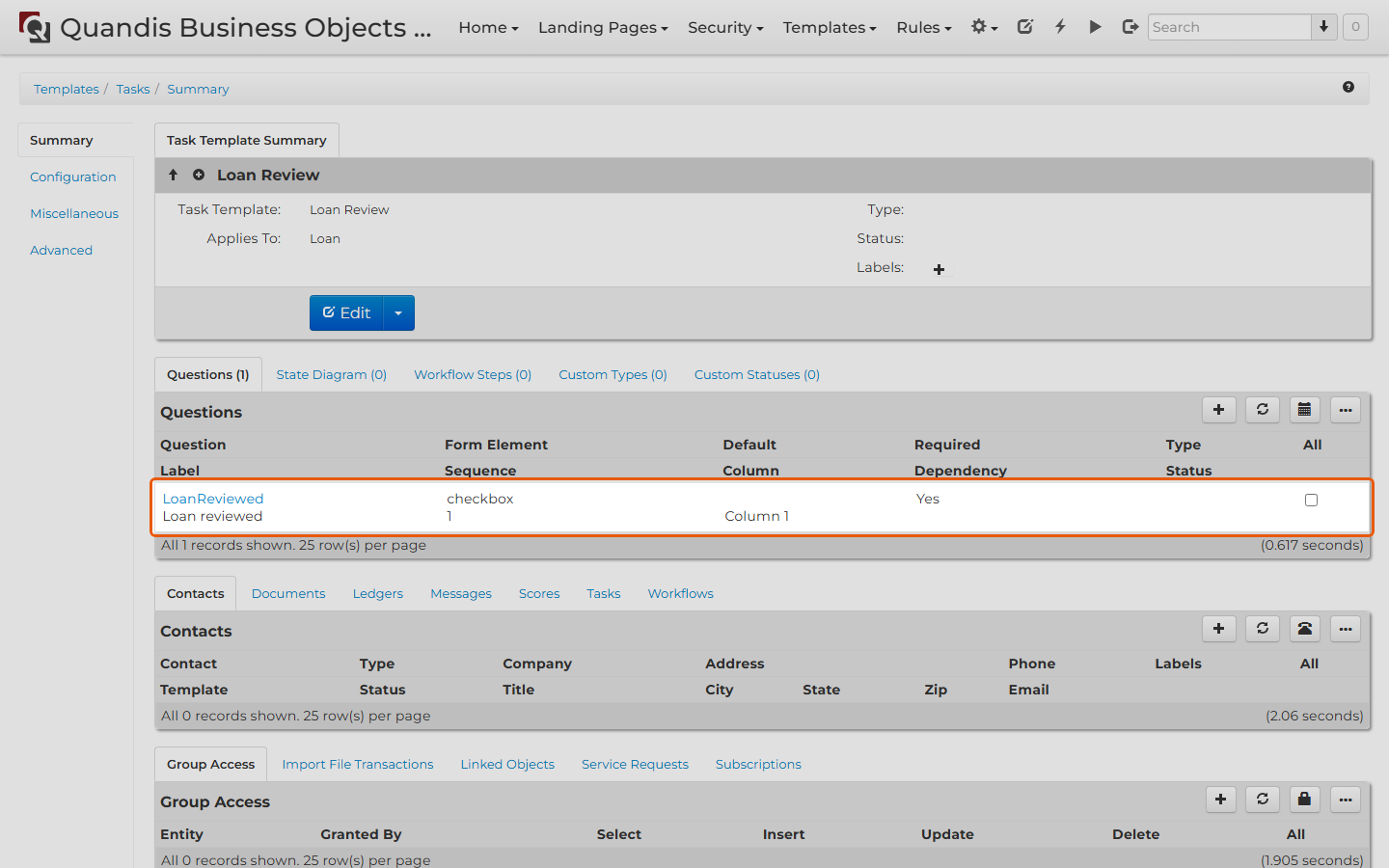
Our work is a loan review task. It applies to loans and asks one required question: has the loan been reviewed? When you save a task like this, QBO creates a worklist template to go with it.
Here is that worklist template, also named Loan Review. Its assignment setting decides who works each item: anyone, one team, or a matrix of rules. We've chosen a matrix.
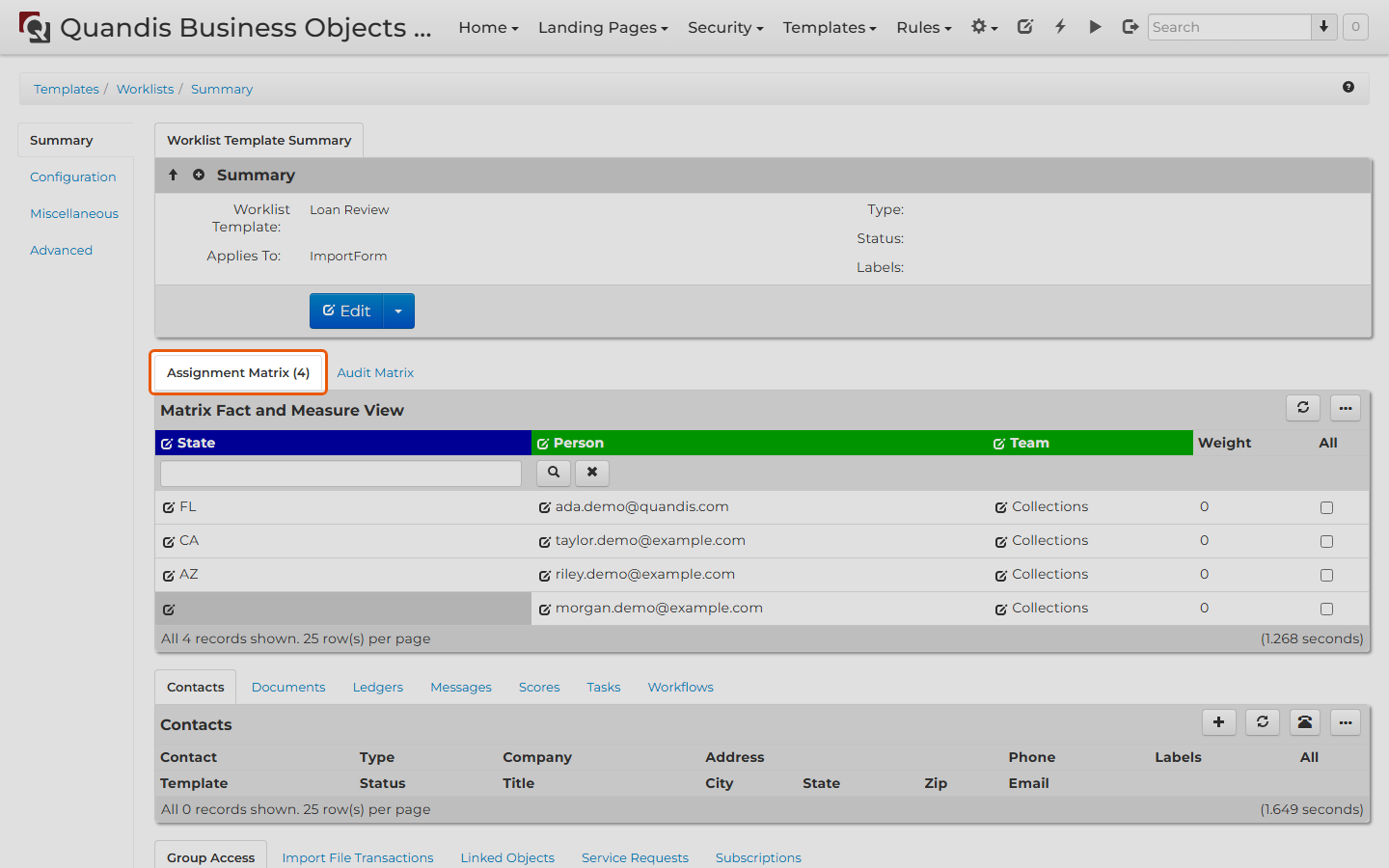
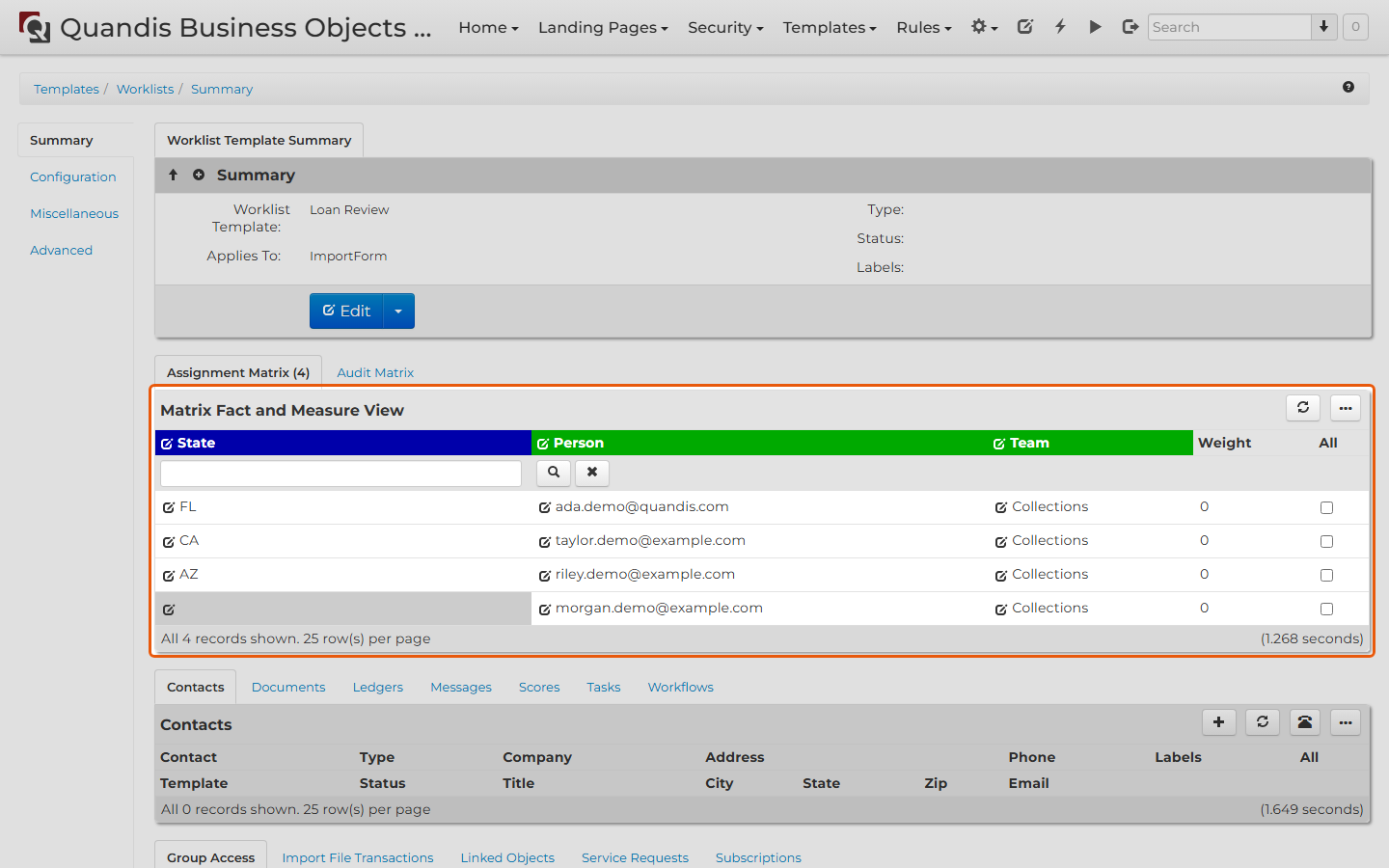
The matrix reads each new task, including the state of the loan's property, and picks a team, a person or a priority. Every loan review goes to the Collections team. Florida loans go to Ada, California to Taylor, Arizona to Riley, and any other state to Morgan.
Now let's add a loan review to four loans, one each in Florida, California, Arizona and Texas. In practice these come from a workflow or an import, not one at a time.
Back on the worklist, each new item already has a team and a person. QBO ran the matrix as each item was created, so the Florida loan went to Ada and the Texas loan fell through to Morgan.
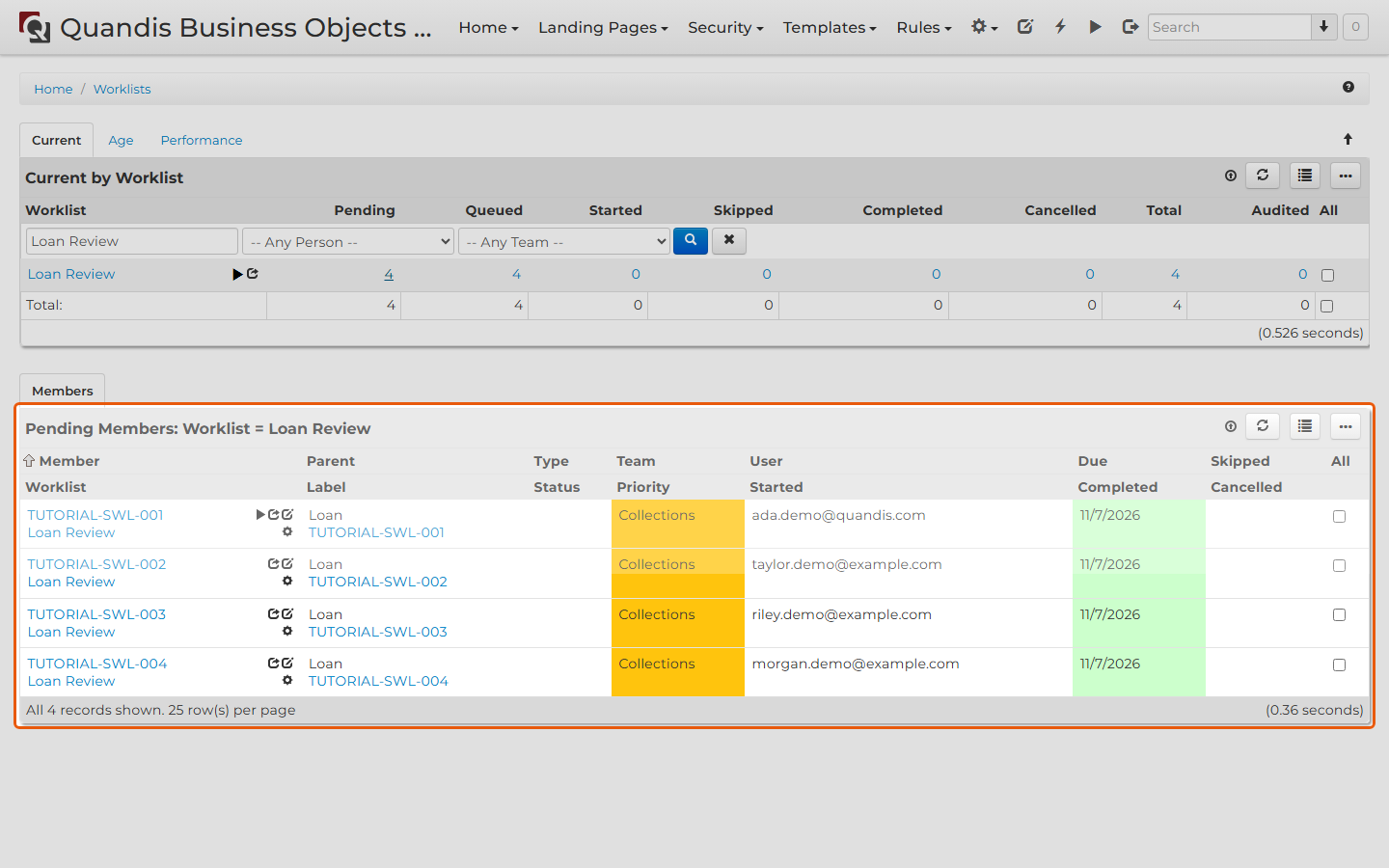
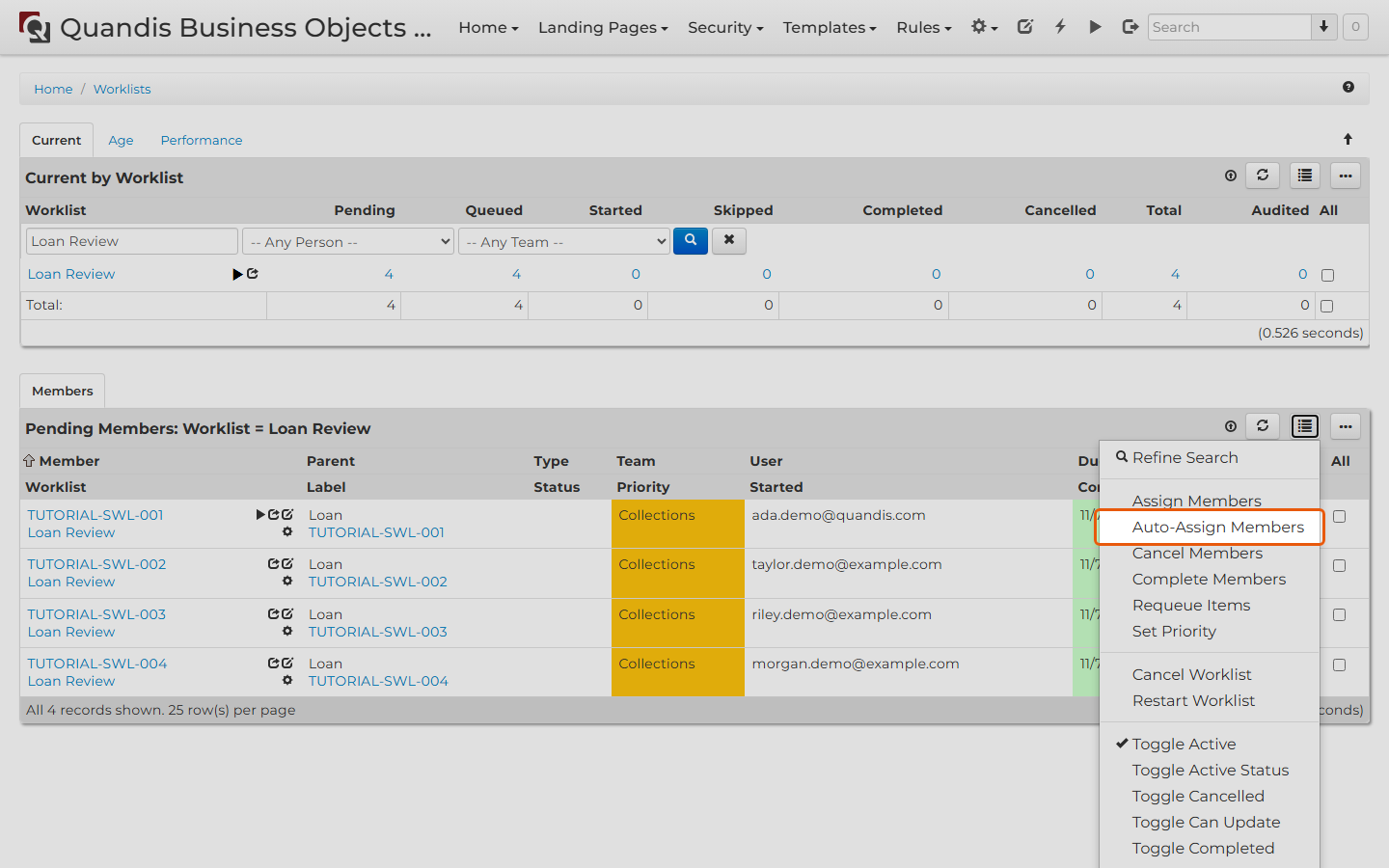
Items created before the matrix existed keep their old assignment. Select them and choose Auto Assign Members, and QBO runs the matrix on them too. Requeued items are assigned the same way.
Ada doesn't have to pick from the list at all. Next Item, in the main menu, finds the work she's eligible for, sorted by team priority, then item priority, then due date. It marks the item started and opens it.
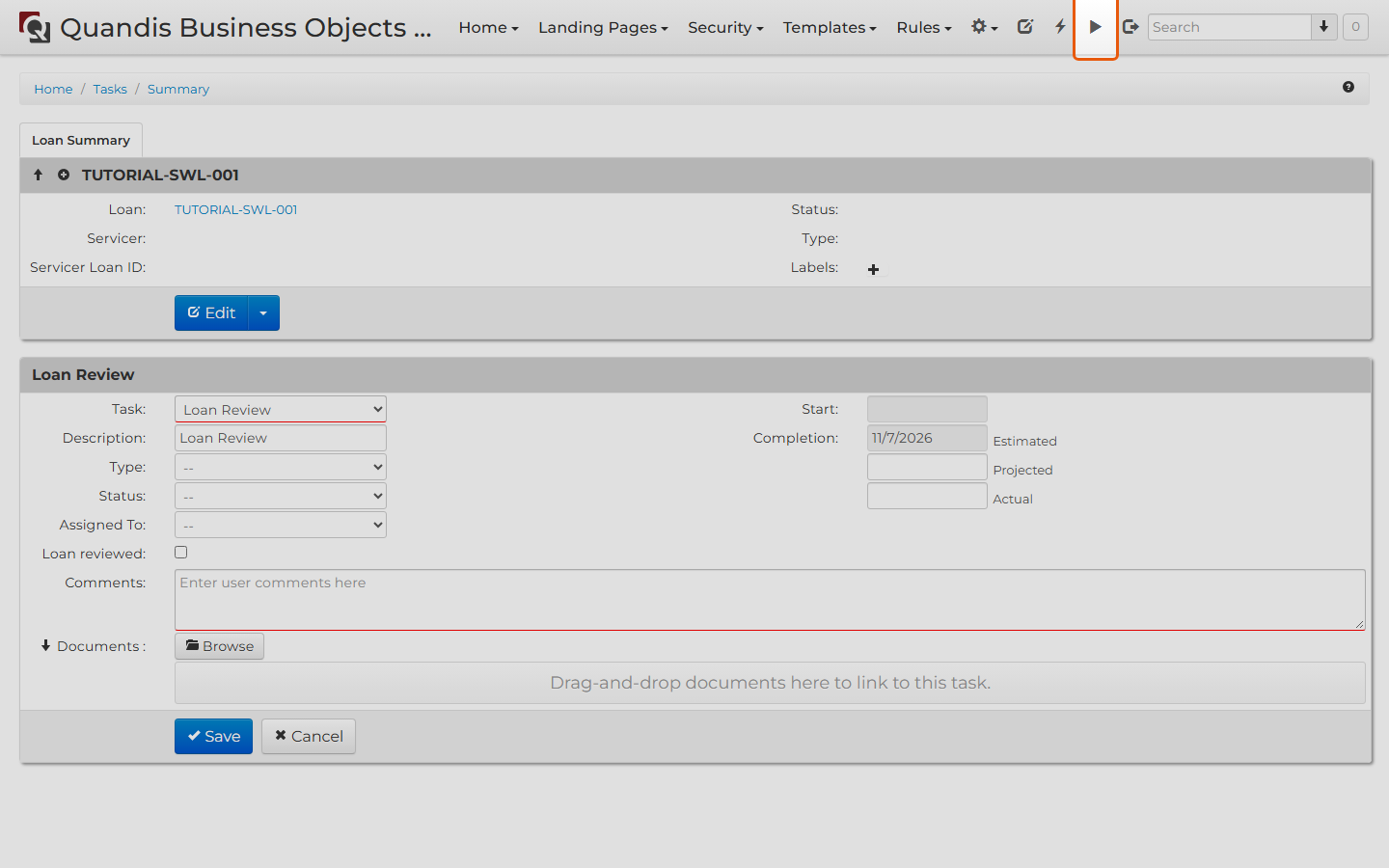
Ada checks the box, adds a comment, enters today as the actual completion date, and saves. QBO records how long the item took. Back on the dashboard, the Florida loan has left the list, and three reviews are still pending.
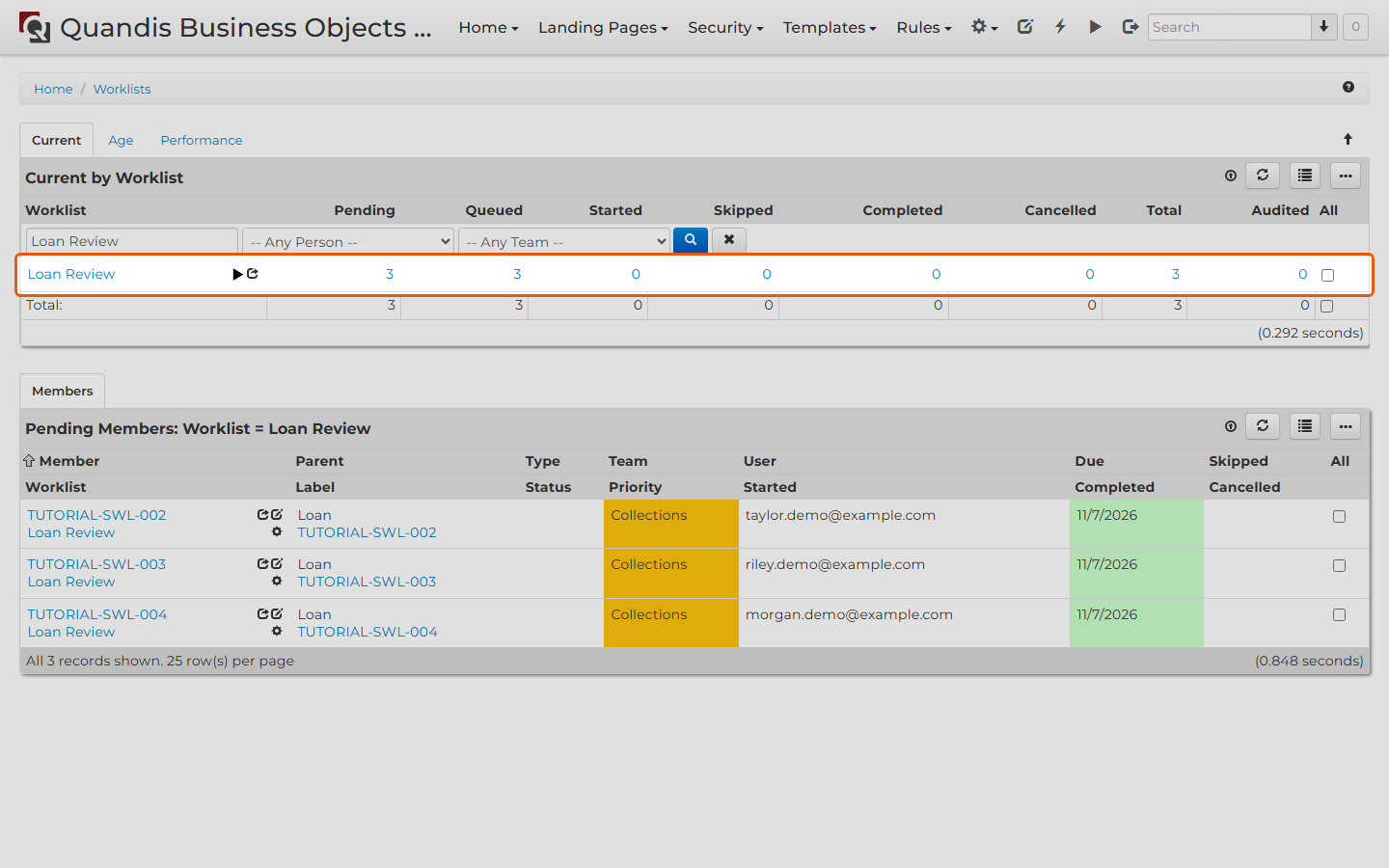
Managers can still assign, requeue or reprioritize any item by hand, but most days they won't need to. The worklist puts each loan in front of the right person.
Related walkthroughs
The full configuration behind this tutorial, with the options and variations it doesn't show.
- Build a customer outreach workflow with follow-up calls: A workflow that queues an outbound call, waits, tries twice more, and marks the case unreachable if no call resolves it.
- Create worklists from any source: Turn a one-off spreadsheet, a recurring file, or a data warehouse query into tasks on a worklist, then route them to a team.
Try it yourself
All sample data is fictional. Install it on a test or UAT site, not production.
- Download the Routing worklist items automatically tutorial package: transcript, screenshots, Postman collection, and setup package (the video is above).
- Postman collection for the Routing worklist items automatically tutorial: folder 1 installs the sample data; folder 2 makes the tutorial's API calls. Set
baseUrlto your own test site. - QBO setup package for the Routing worklist items automatically tutorial: the sample records and their documents, keyed by SubscriberID.
- Embed this video on another Quandis site (any quandis.com, .net, .io, or .ai address).