

Reviewing loans with AI
Have AI read a loan and its documents, answer a question you define in a message template, and save the answer as a message whose status and priority you can sort, filter and act on. This example checks a loan for a prepayment penalty.
Step by step
The narration and the screen at each step. Select a time to play the video from there.
In this tutorial, we'll have AI review a loan for a prepayment penalty. AI reads the loan and its documents, answers our question, and QBO saves the answer as a message on the loan.
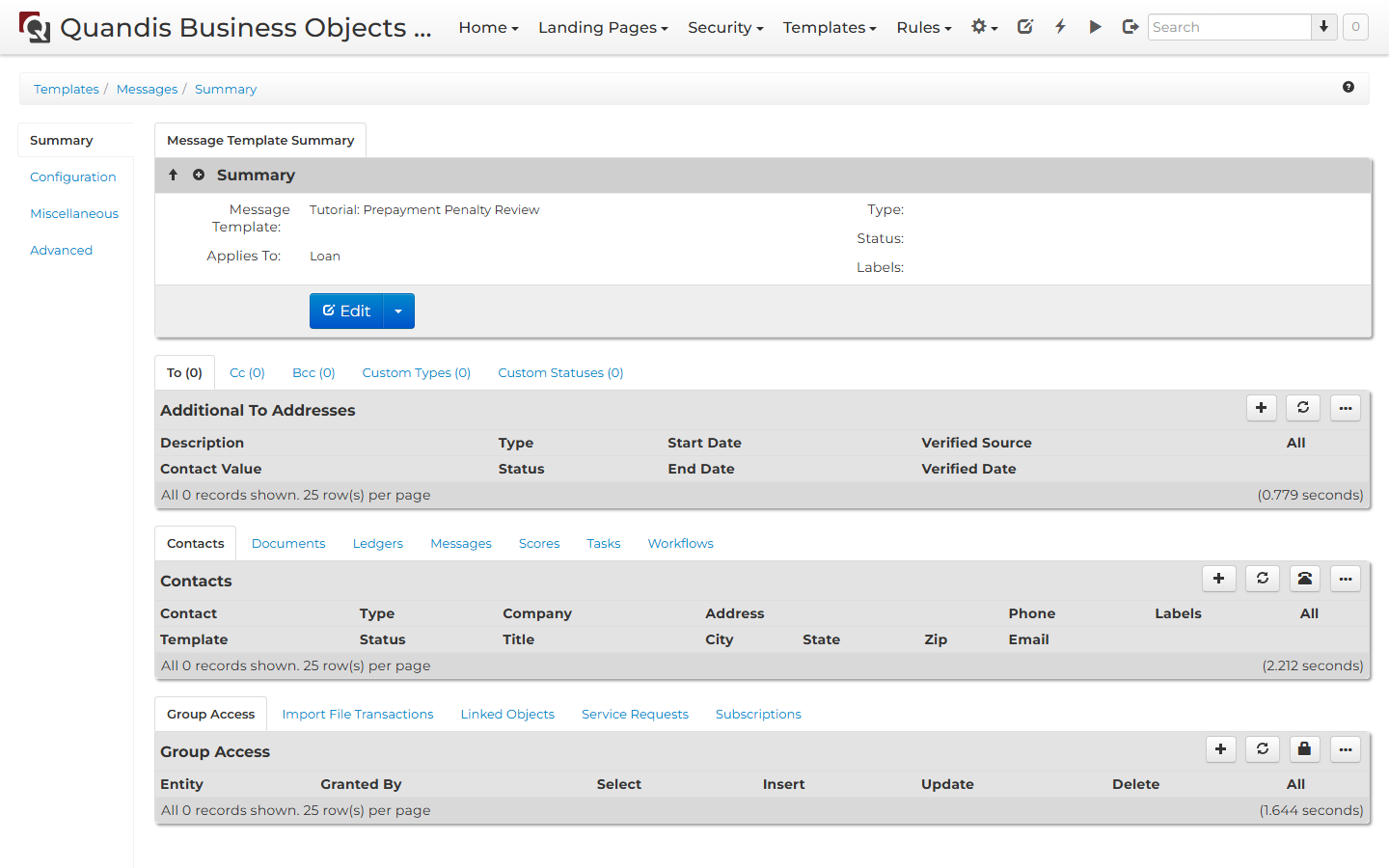
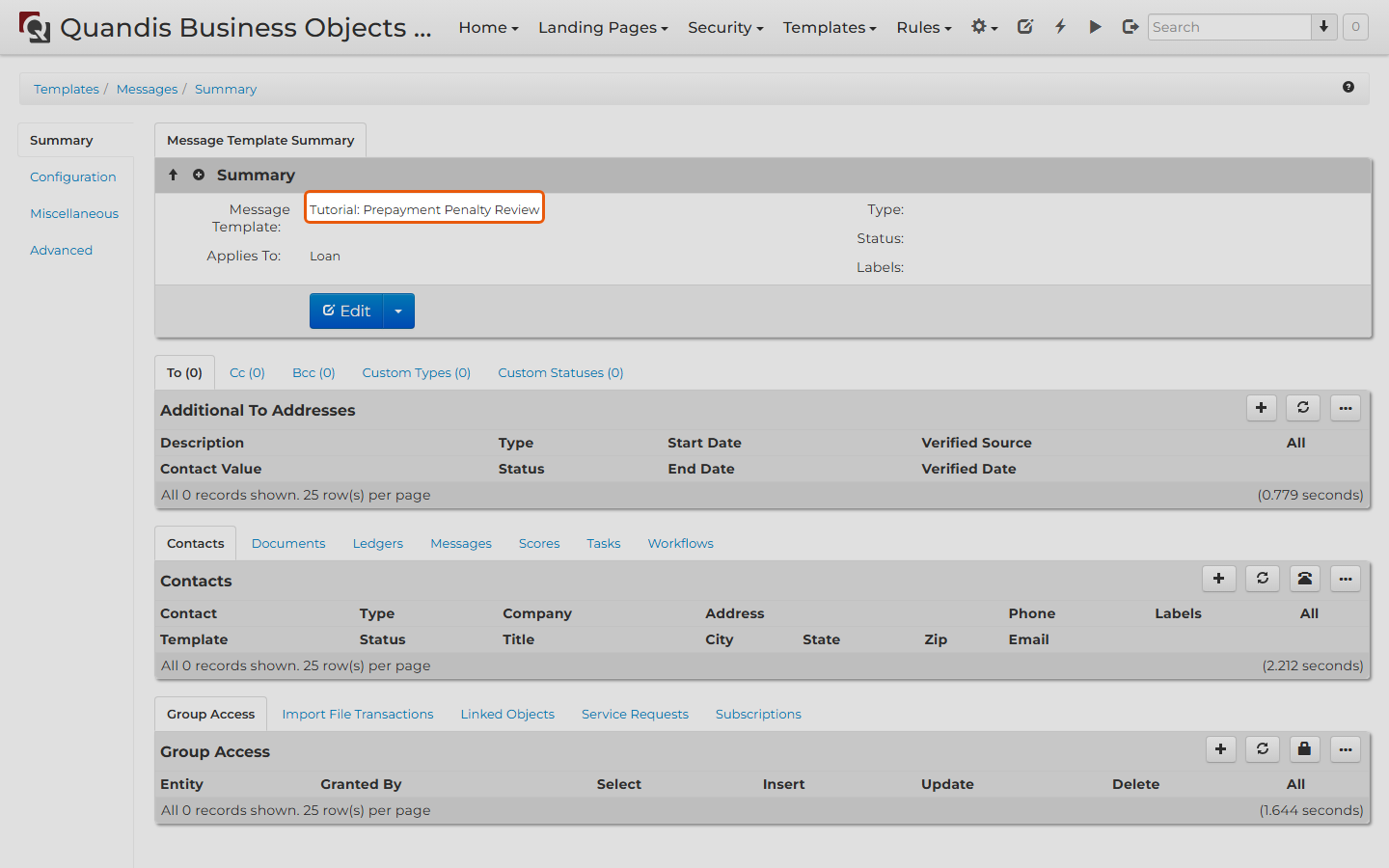
The question lives in a message template that applies to loans.
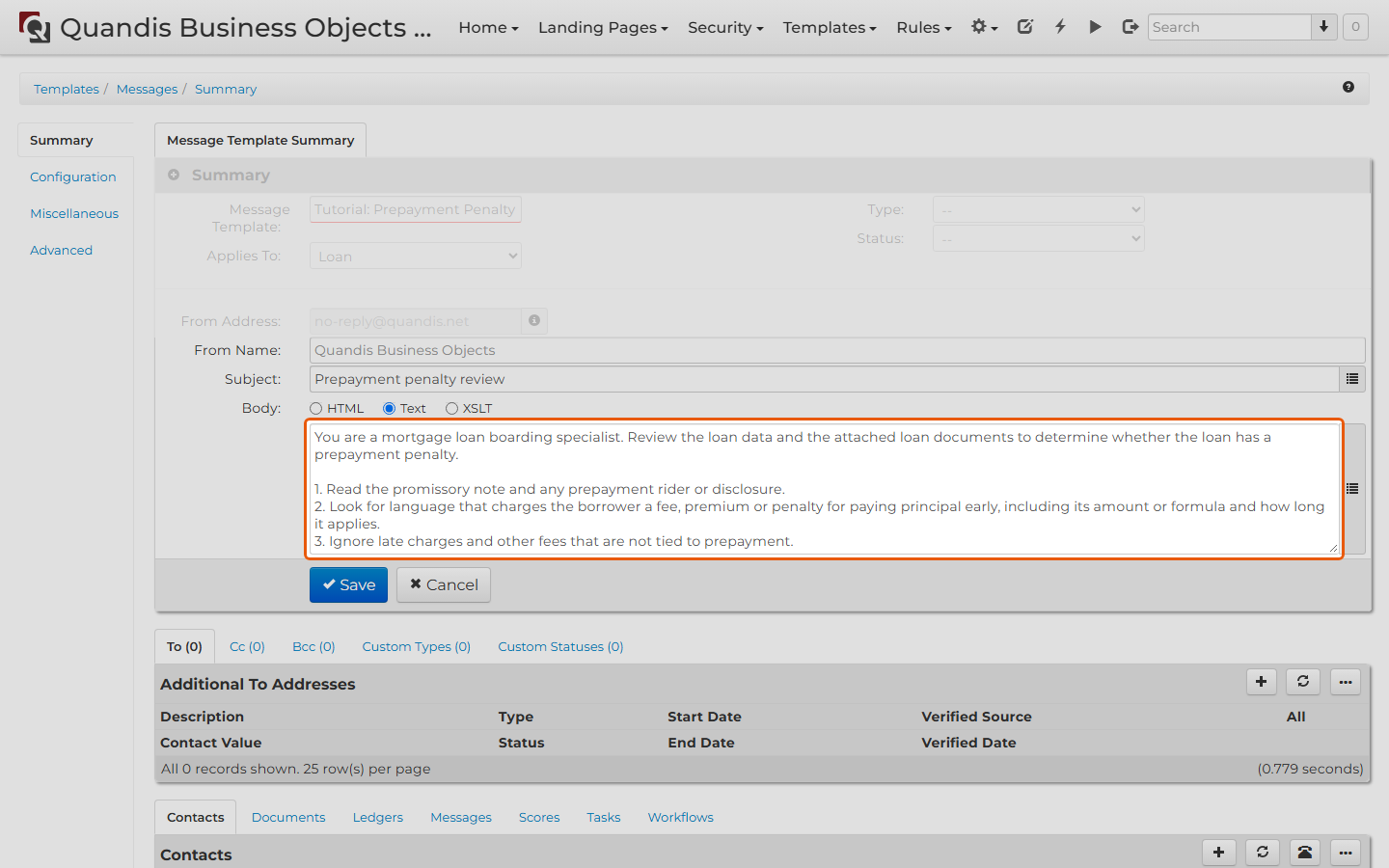
Its body holds the instructions AI follows to review the documents. Your specialists write these, and test them against real examples before rolling them out. The last lines tell AI how to classify its answer: PPP Eligible with priority 1 when there is a penalty, otherwise PPP Ineligible with priority 3.
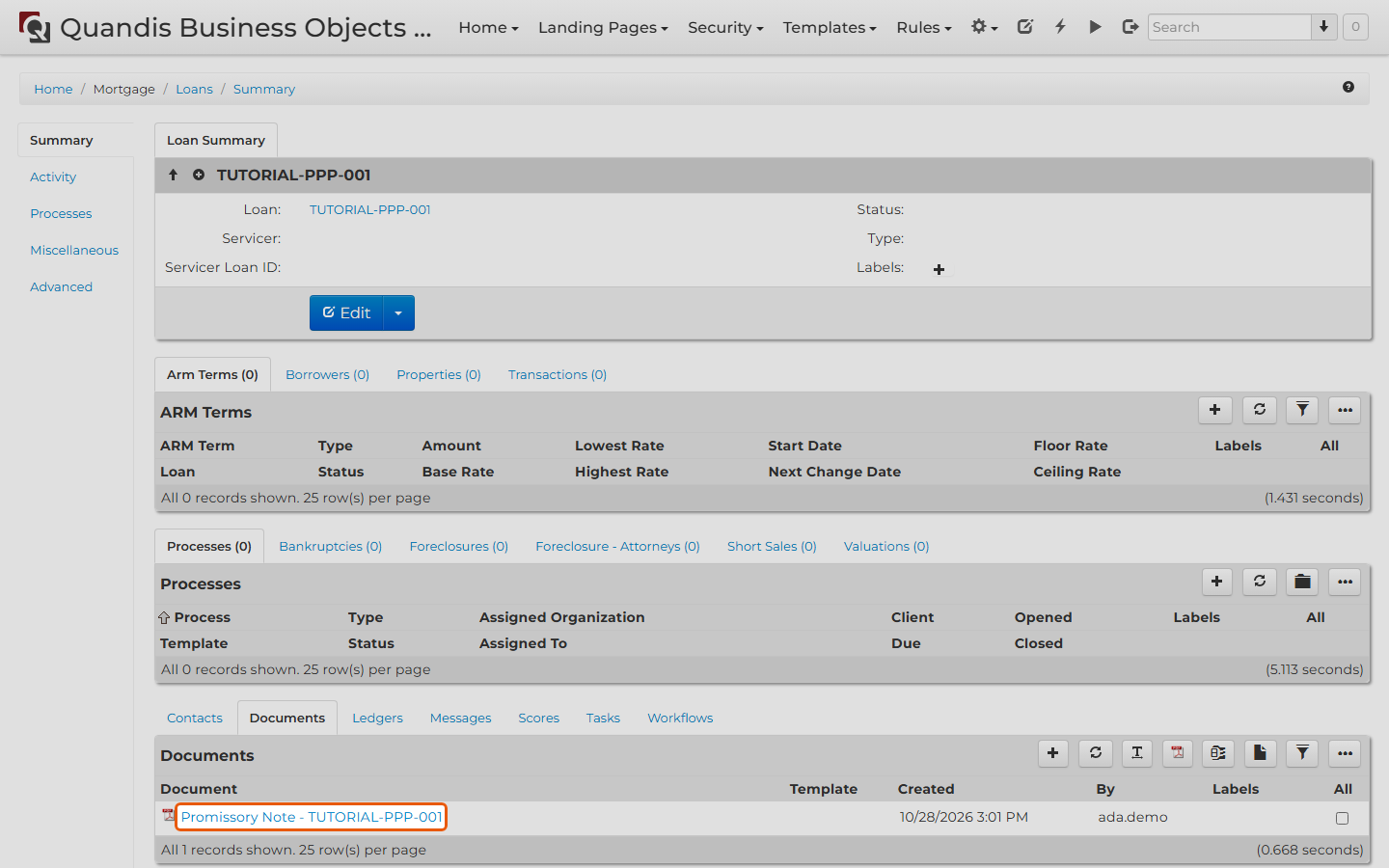
Here is the loan we'll review. Its promissory note is attached, and that note is what we'll send to AI along with the loan's own data.
We run AI Review on the loan, naming the message template and the note. You can run it on one loan like this, on many loans from batch apply, or as a workflow step.
AI saved its answer as a message on the loan. Expanding the message's summary shows what AI returned: the document it read, the prepayment language it quoted, and its conclusion.
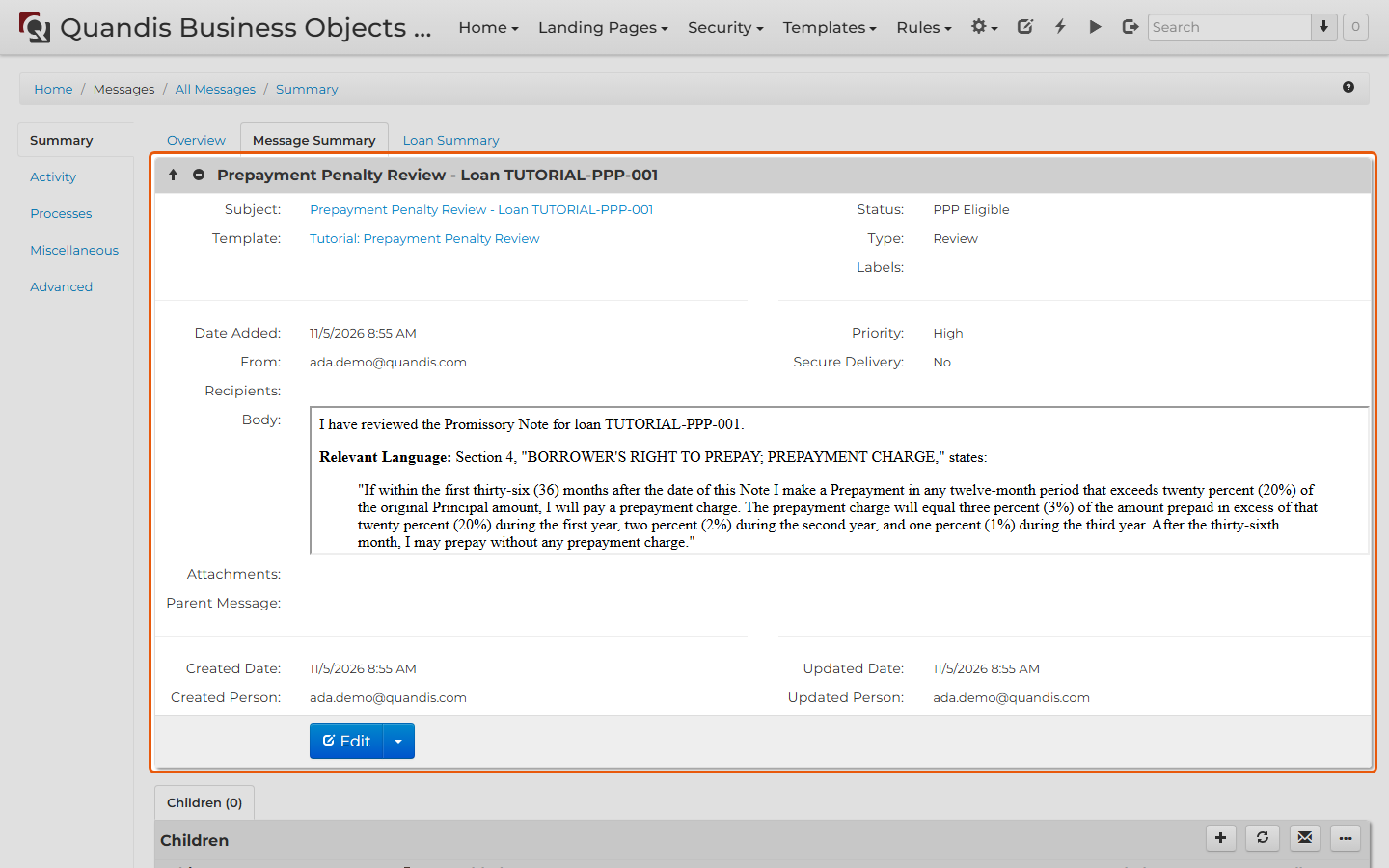
AI also set the message's status to PPP Eligible, because the note charges a fee for paying early.
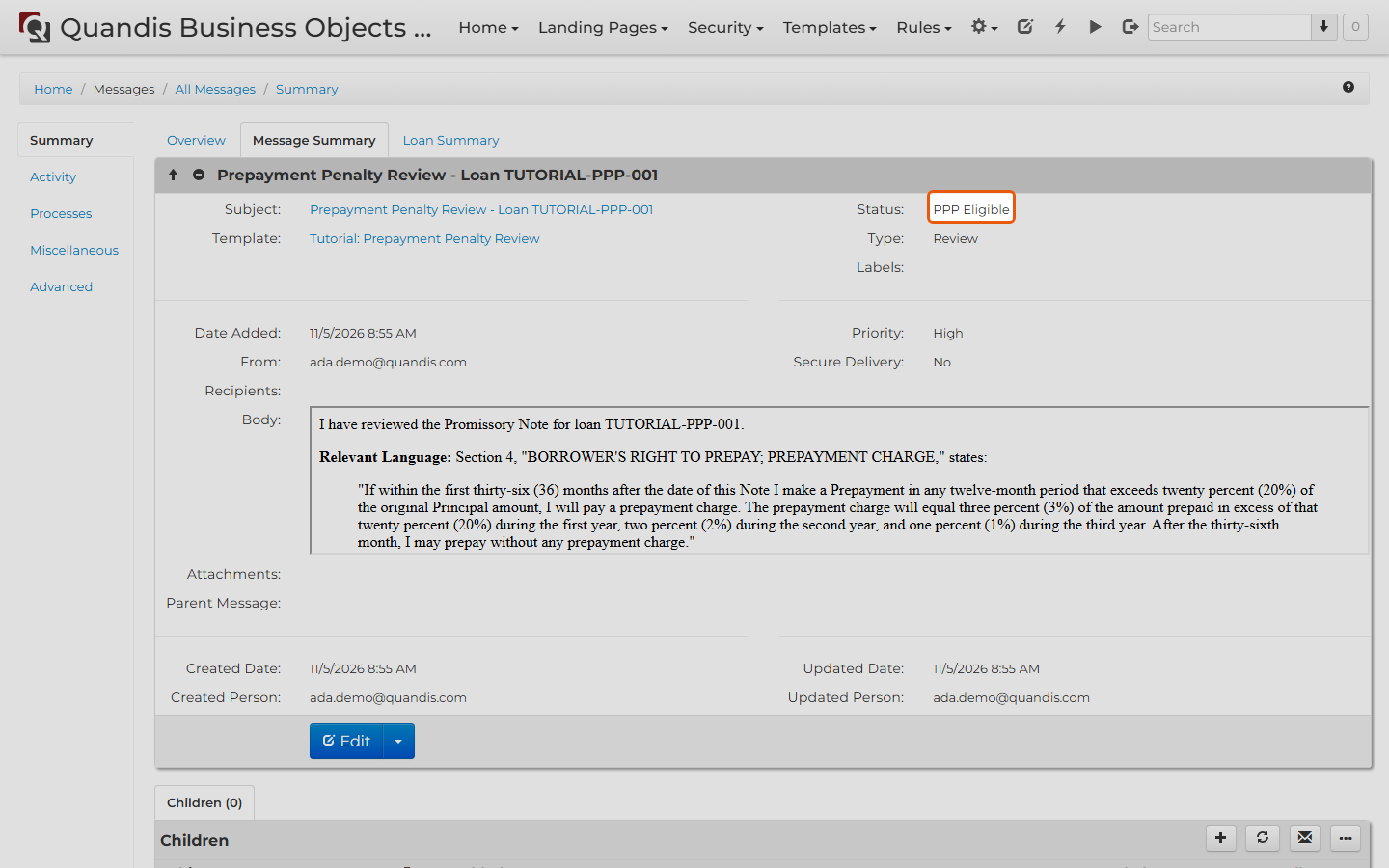
Because AI set the status and priority, you can sort and filter its answers, or have a workflow create a task for a specialist whenever a loan is PPP Eligible. AI does the first read; your team reviews the loans that matter.
Related walkthroughs
The full configuration behind this tutorial, with the options and variations it doesn't show.
- Review a loan's documents for a prepayment penalty: Send a loan's most relevant documents to AI with your review checklist, and save its findings as a memo on the loan, across a whole portfolio.
Try it yourself
All sample data is fictional. Install it on a test or UAT site, not production.
- Download the Reviewing loans with AI tutorial package: transcript, screenshots, Postman collection, and setup package (the video is above).
- Postman collection for the Reviewing loans with AI tutorial: folder 1 installs the sample data; folder 2 makes the tutorial's API calls. Set
baseUrlto your own test site. - QBO setup package for the Reviewing loans with AI tutorial: the sample records and their documents, keyed by SubscriberID.
- Embed this video on another Quandis site (any quandis.com, .net, .io, or .ai address).